
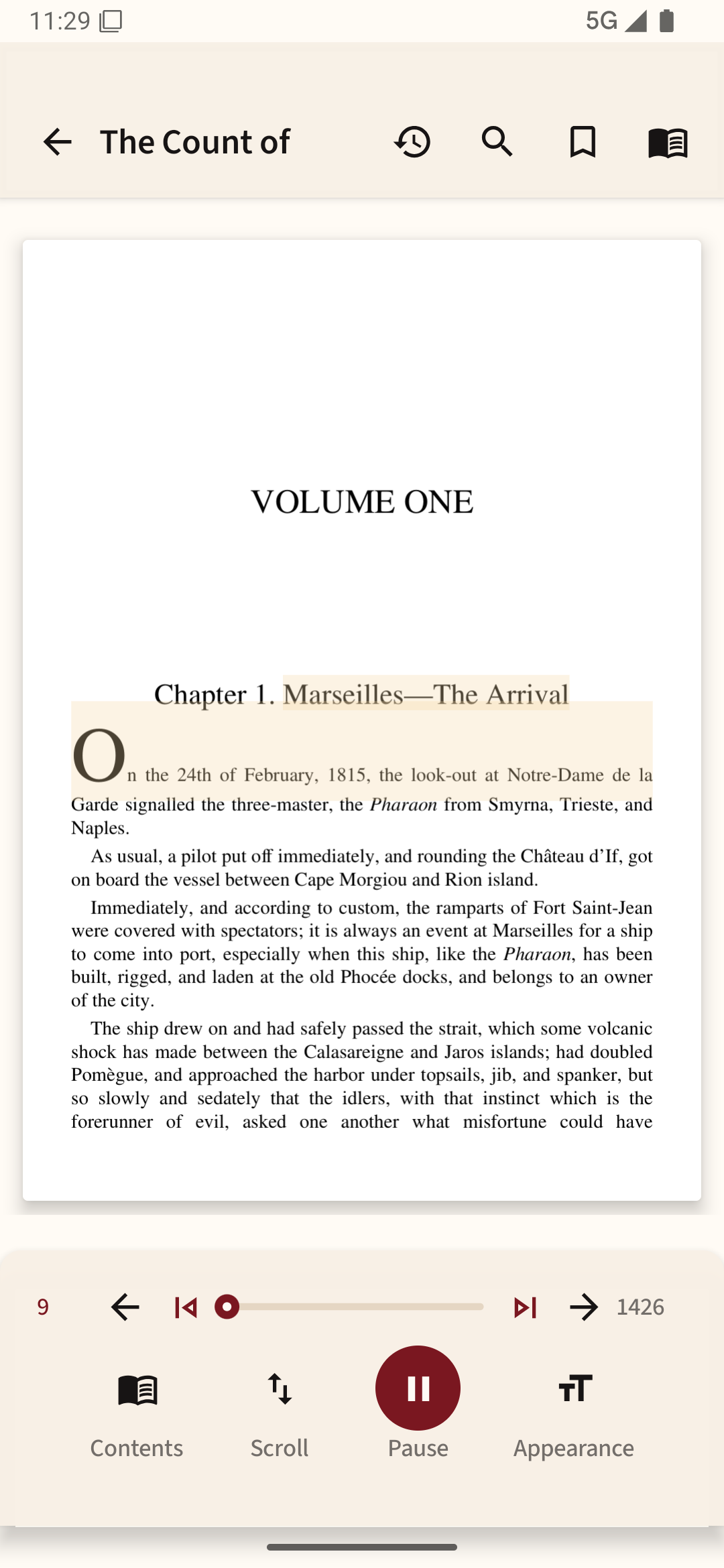
Begin with a familiar passage
Use two paragraphs you already know, one with dialogue and one with a long sentence. Compare voices with the same text instead of changing the book and voice together. Check names, punctuation, numbers and pauses; a pleasant voice is not useful if it regularly skips the meaning.
Speed matters less than retention
Normal speed is a reasonable baseline. For a light novel, a faster pace might feel fine; a technical chapter may need to be slower. Rather than optimizing for the fastest possible rate, try summarizing what you heard after five minutes. If you cannot, slow down.
Use the correct language
Choose an installed voice that matches the language of the book. Some Android speech engines provide accents and voice variants, but the exact list depends on your device and installed engine. Download a voice before a flight and test it without a network connection if offline listening is important.
Protect your ears and attention
Keep volume comfortable, especially with earbuds for long periods. If you are commuting or walking near traffic, preserve enough awareness of your surroundings. Use a sleep timer or pause control if the app offers one so narration does not run for an hour after you stop listening.
Check the whole workflow
Start listening, lock the screen, pause from headphones if supported, unlock and move into silent reading. The best setup is one that keeps your place and lets you stop without hunting for a particular screen.
You can compare your phone’s installed voices in Readream Basic using a familiar passage; change the speed a little at a time until the words are easy to follow.