
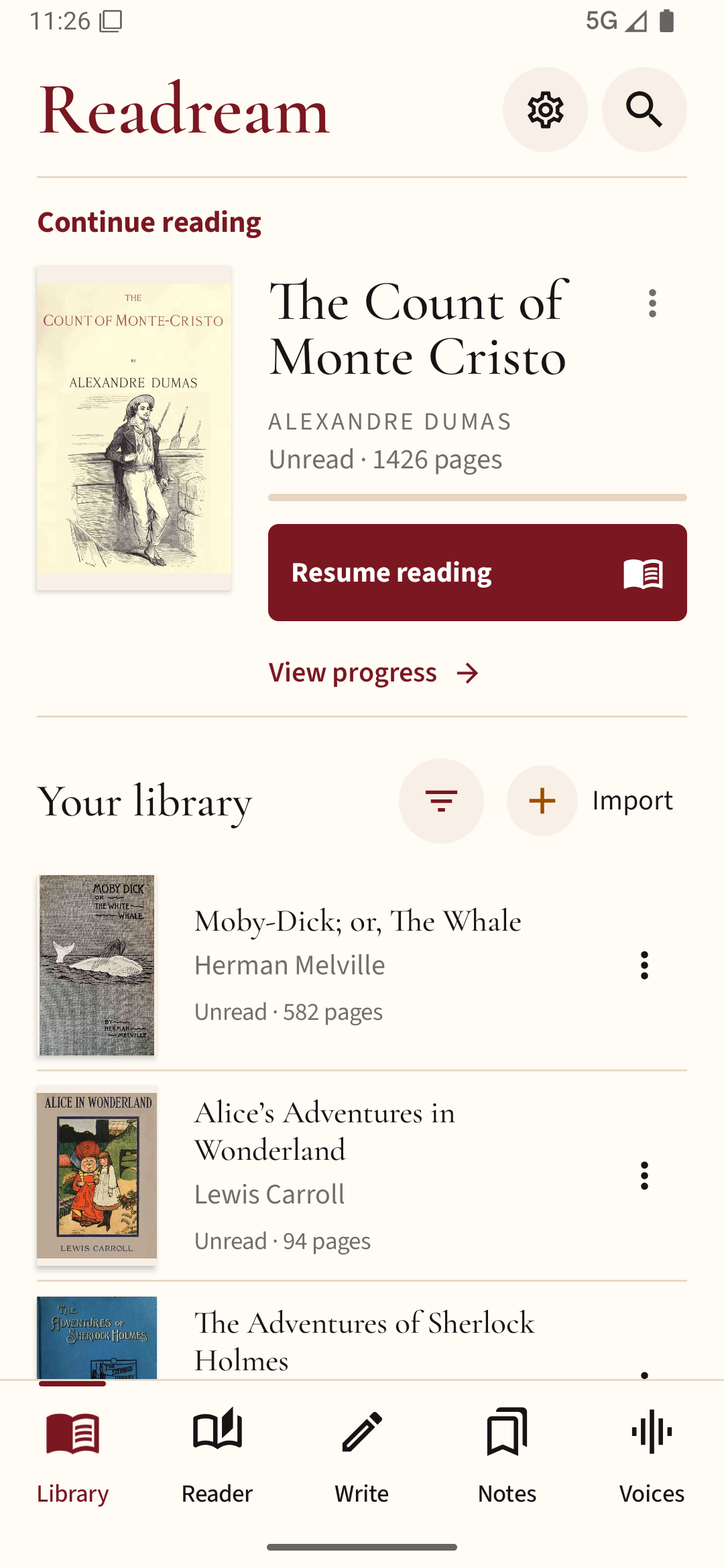
Find the EPUB you downloaded
Most downloaded EPUBs land in the Files app under Downloads. Look for a filename ending in .epub, not a book-cover image or a ZIP archive with a similar name. If a website delivered the book as a ZIP, extract it first and look inside for the EPUB.
You can usually tap the EPUB and select an installed reading app. If Android says that no app can open it, install a reader that specifically supports EPUB, then use that app's Import, Add book or Open file action. Depending on your Android version, the file picker may let you select Downloads or another storage provider.
Set up a comfortable reading view
EPUB is normally reflowable: changing font size moves words onto new lines. Start with the default typeface, adjust size until each line is easy to follow, and try line spacing before changing several settings at once. Use a contents menu to move by chapter rather than dragging through hundreds of pages.
When an EPUB refuses to open
First try opening a second, known-good EPUB. If that works, your original file may be incomplete, damaged or locked to another app. Check the size of the download and download it again from its source. Simply changing a PDF or ZIP file extension to .epub will not convert it.
Books purchased from some retailers carry digital rights management (DRM); a general-purpose reader cannot necessarily open these. Use the store's authorized app for DRM-protected books. For an unprotected book you own, keep the original file in a safe location before experimenting with format conversion.
Check that your place is saved
Open a chapter, read a few pages, close the app completely and reopen the same book. Confirm that it returns to the last position. That small test matters more than a long feature list when choosing a reader for daily use.
For a reader to use with these steps, try Readream Basic. Import a DRM-free EPUB, adjust the text to suit your screen, and reopen it later to check your saved place.