
Import
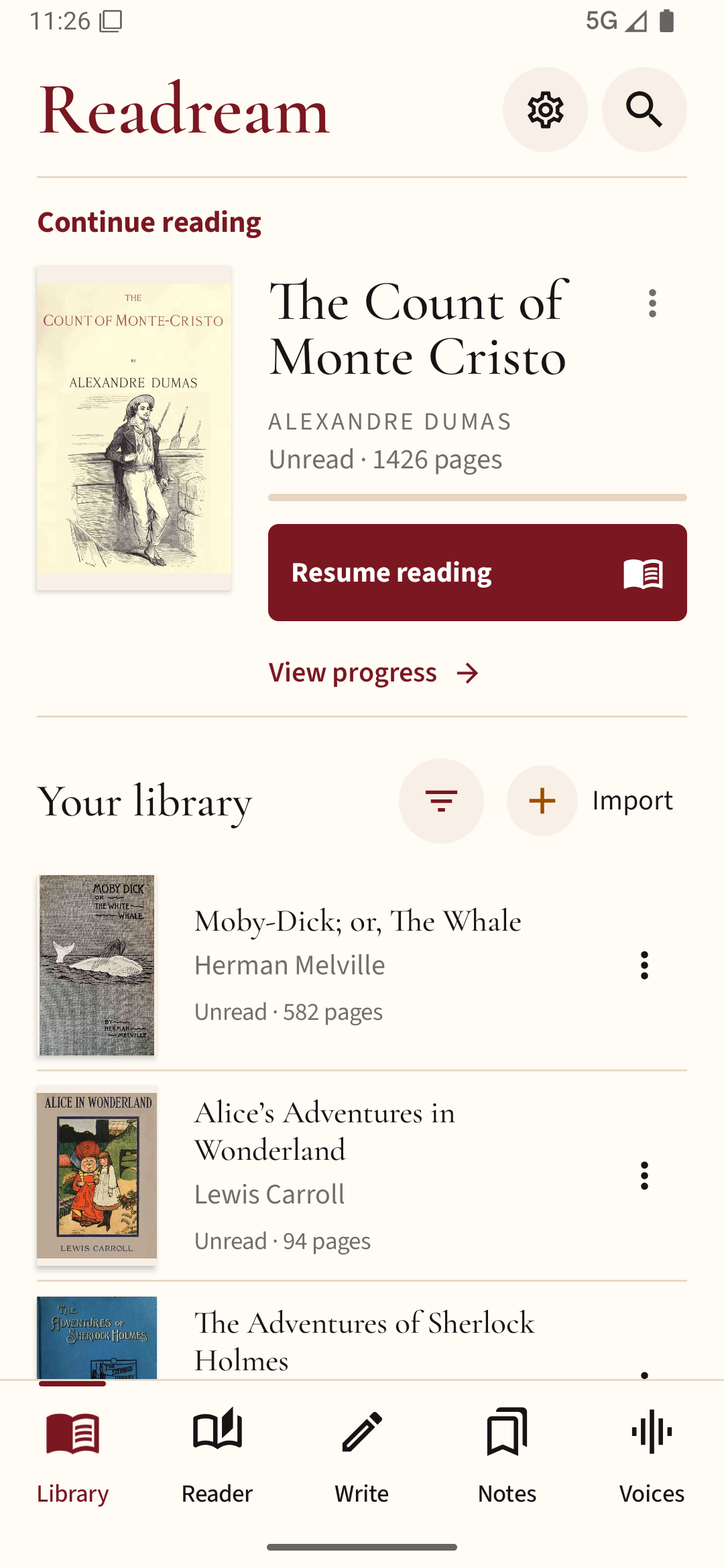
Bring your books and documents into one library on your device.
Read without noise.
Read books and documents offline. Listen while the words stay highlighted. Change the page to suit your eyes. Write your own books in Pro.
No ads. Your books and reading data stay on your device. Pro downloads extra voices only when you choose them.
A simple way to use a big library
Bring your books and documents into one library on your device.
Choose the page color, text size, spacing, and reading style that feel right.
Listen to full passages while Readream keeps the active words highlighted.
Your progress, bookmarks, notes, highlights, and history stay ready on your device.
Reader
Fixed pages keep their original layout. Reflow makes text fit your screen and text settings. You can scroll continuously or read one page at a time.
Explore the readerListen and keep reading
Readream reads full passages and prepares up to five parts ahead to reduce gaps. A clear rectangle sits behind the active text without covering the words.
In Pro, reading aloud can continue in the background or with the screen off. You can control it from a media notification or headset buttons.
See voice optionsReal app screens
These are real Readream Android screens. Tap a screen to make it larger.
Basic and Pro are separate apps
Basic is complete for daily reading. Pro is a separate app for people who need more formats, study tools, writing, and extra voices.
A complete, no-ads reader for everyday books and documents. It includes the main reading tools and voices already on your phone.
Compare featuresFor bigger libraries, study, writing, more file types, extra marking tools, downloadable voices, and background reading aloud.
Compare featuresReading guides
EPUB, PDF, reading aloud, habits, study, file formats, phones, tablets, and writing.
EPUB on Android
Direct answer and step-by-step help for how to read EPUB files on Android.
Read guide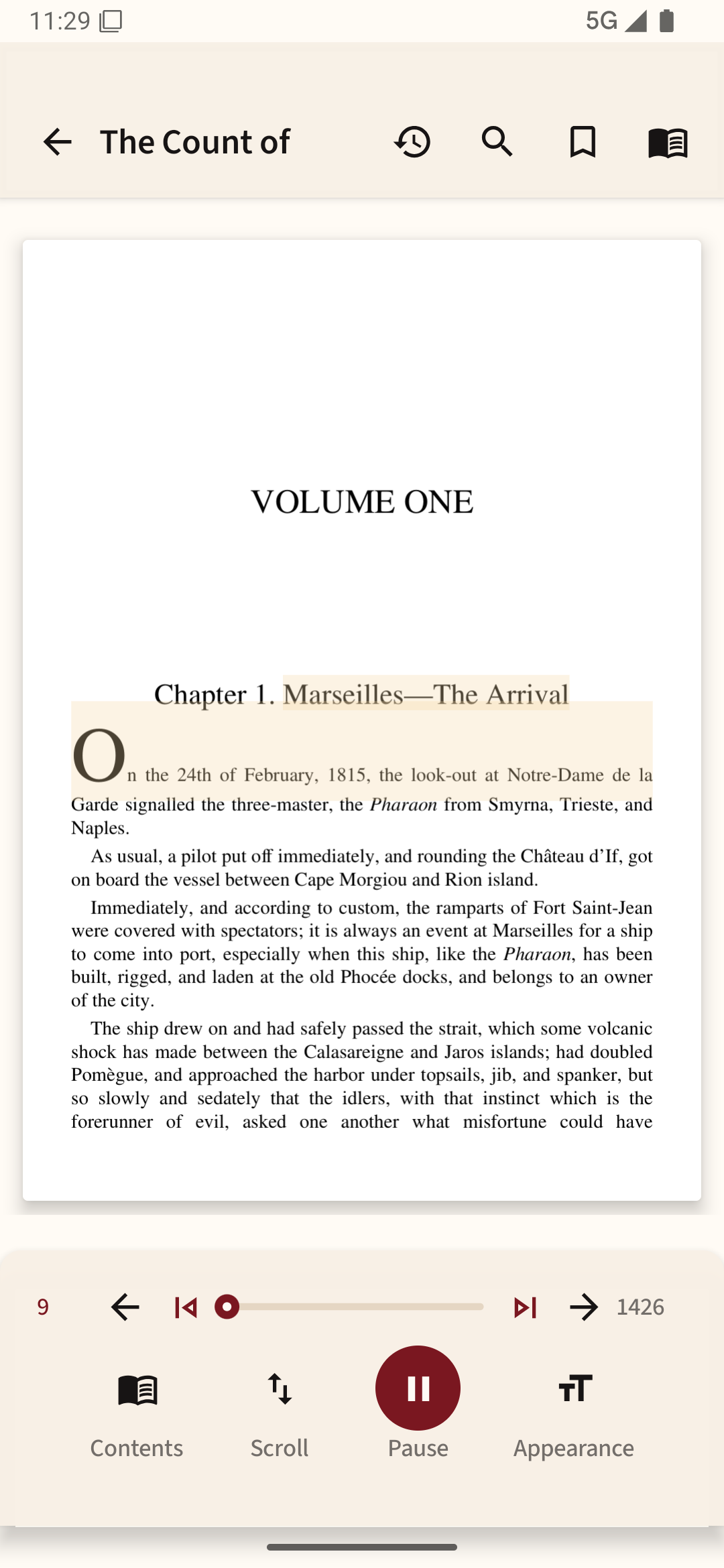
PDF on Android
Direct answer and step-by-step help for how to read PDF books on Android.
Read guide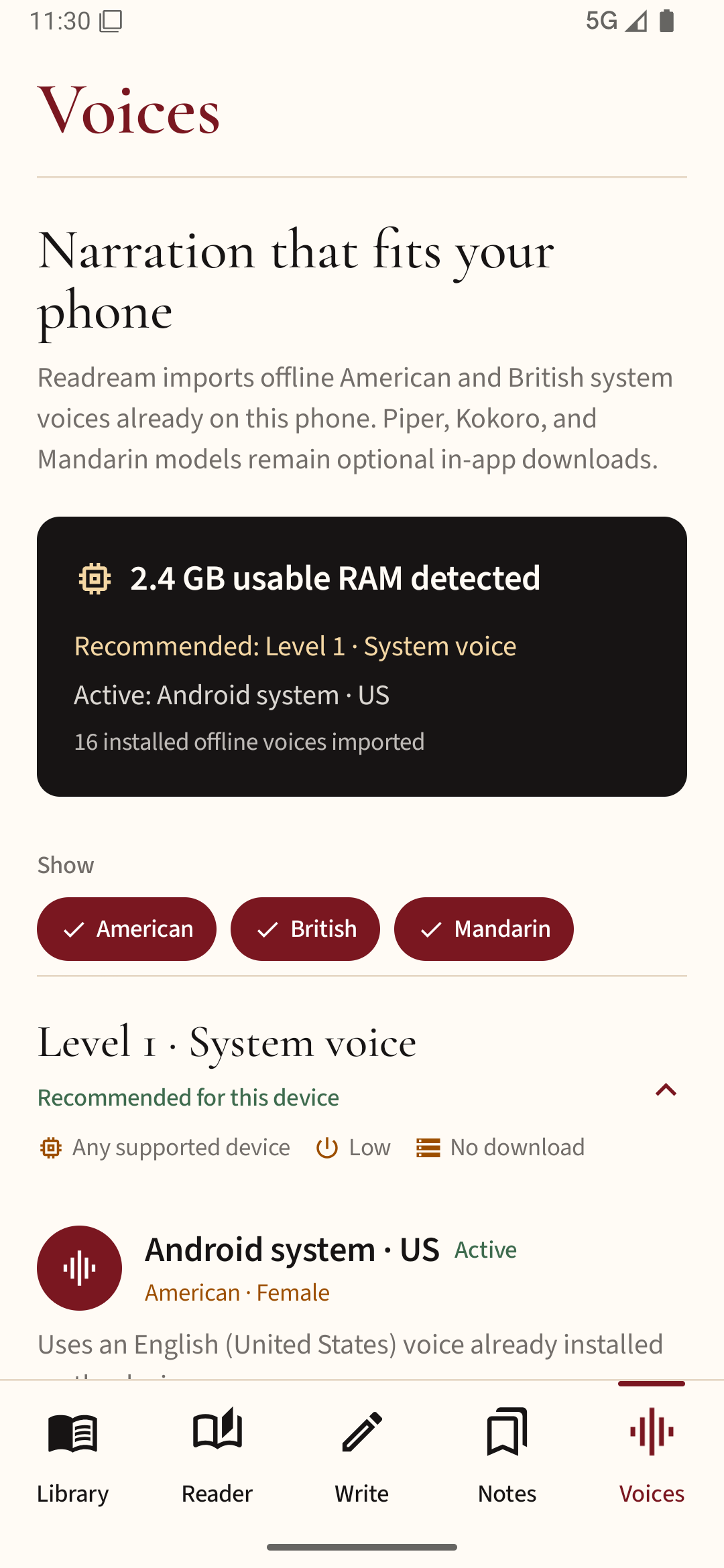
Read aloud
Direct answer and step-by-step help for how to use Android system voices for reading aloud.
Read guidePrivate by default
Your books, notes, progress, highlights, saved words, and Writer data stay on your device. Pro uses the internet only when you choose to download an optional open-source voice. There are no ads, and Readream does not sell your reading data.
Read deeply. Listen naturally. Create freely.