
Comics are usually image archives
CBZ is essentially a ZIP archive of page images with a different extension. CBR generally uses RAR compression. A comic reader displays the images in order without asking you to open each JPEG individually. Not every app supports both formats, so verify support before moving a large collection.
Check the page order
Archive filenames determine order in many readers. Pages named 001, 002, 003 are more reliable than 1, 10, 2. If the story jumps around, inspect the archive's contents rather than assuming the artwork is missing.
Choose a layout that fits the artwork
Western comics often suit fit-to-width or guided panel viewing. Long-strip webcomics work better with vertical scrolling. Traditional manga commonly reads from right to left; use the reader's page-direction setting where available. A double-page spread on a small phone may require landscape or a tablet.
Zoom carefully
Small speech bubbles become difficult to read when a whole page is squeezed onto a narrow display. Look for pinch zoom, crop borders and stable positioning. Excessive image smoothing can soften small lettering, so compare your reader's image options on one detailed page.
Remember archive limitations
CBZ and CBR pages are usually pictures, so ordinary ebook search and text-to-speech will not work without separate text recognition. Keep the original archive untouched before renaming pages or repacking it. If a file will not open, check for a corrupt download or a format the app does not support.
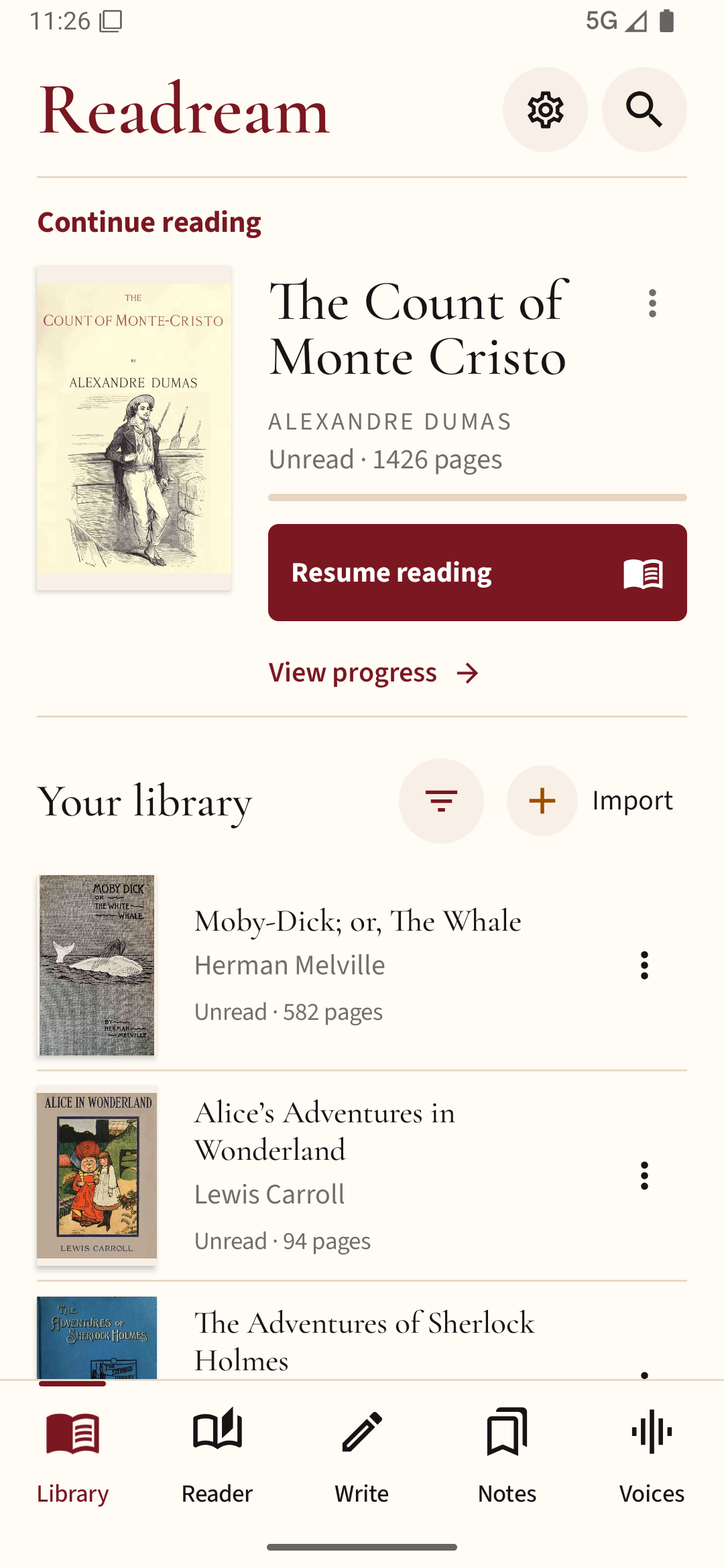
If your comic is also available as a PDF, Readream Basic gives you a way to read that copy on Android. For a CBZ or CBR archive, check edition support before installing; do not assume Basic includes every Pro format.