
Right to left is not a visual effect
Traditional Japanese manga pages often run from right to left. If a reader uses left-to-right page turns by default, the story order can seem wrong even though every image is present. Look for reading direction or manga mode in the app and confirm it on the opening pages.
A spread may be a single image
Some files store a two-page spread as one wide picture; others store the pages separately. On a phone, a wide image can make dialogue tiny. Try landscape mode or a split-spread option if your reader has one, but check that splitting does not reverse the intended order.
Make a small-screen setup
Begin with fit-to-width, then zoom only when lettering becomes too small. Many readers remember zoom between pages, which may help or hurt depending on the panel layout. Choose a background that does not distract from white page borders, and disable unnecessary transition animations if they interrupt reading.
Fix pages that appear scrambled
If the sequence is 1, 10, 11, 2, inspect file naming inside the CBZ or CBR archive. Zero-padded names such as 001, 002 and 010 tend to sort predictably. Work on a copy and preserve the source archive until the new ordering has been checked.
For manga scans, use authorized files and respect the creator's distribution rights. A comic reader changes how files are displayed; it does not grant permission to download unauthorized copies.
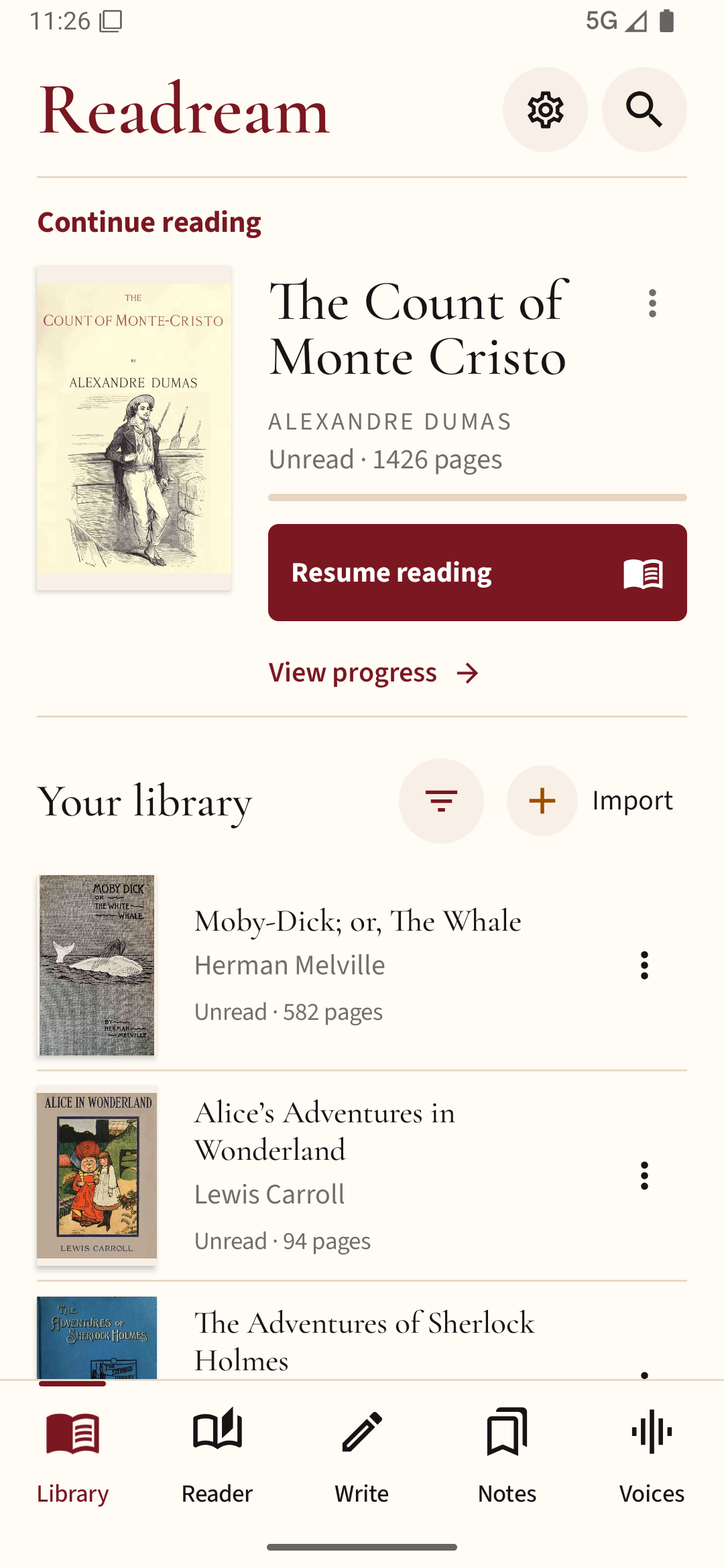
If your manga is available as a PDF, you can open it in Readream Basic and check the page order against the publisher’s intended reading direction before starting a long session.