
Start with the file you actually read
For a normal EPUB novel, a phone can be very comfortable because the words reflow to fit the screen. A tablet is more useful when the page itself matters, such as a PDF with small charts, a two-column research paper or a comic spread.
Portability changes what gets read
A phone is already in your pocket during a short wait or bus ride. A tablet offers room for diagrams and side-by-side notes, but it is less convenient to hold with one hand. The best device is often the one you will actually open.
Try the same book on both
For EPUB, set roughly comparable text sizes and see how often you need to turn pages. For PDF, inspect a page with a table before judging. Zooming a fixed-page document on a small phone can mean repeated horizontal scrolling, which a tablet may avoid.
Consider position and annotation
If you switch devices, confirm how the reader syncs progress or exports annotations. A book copied manually to a second device may have no connection to the original reading position. Never assume the same file name means your highlights will follow.
Make a decision by format
Phone first for everyday novels and light documents; tablet first for textbooks, sheet music and visual material. Many readers benefit from using both, but you do not need two devices to read well.
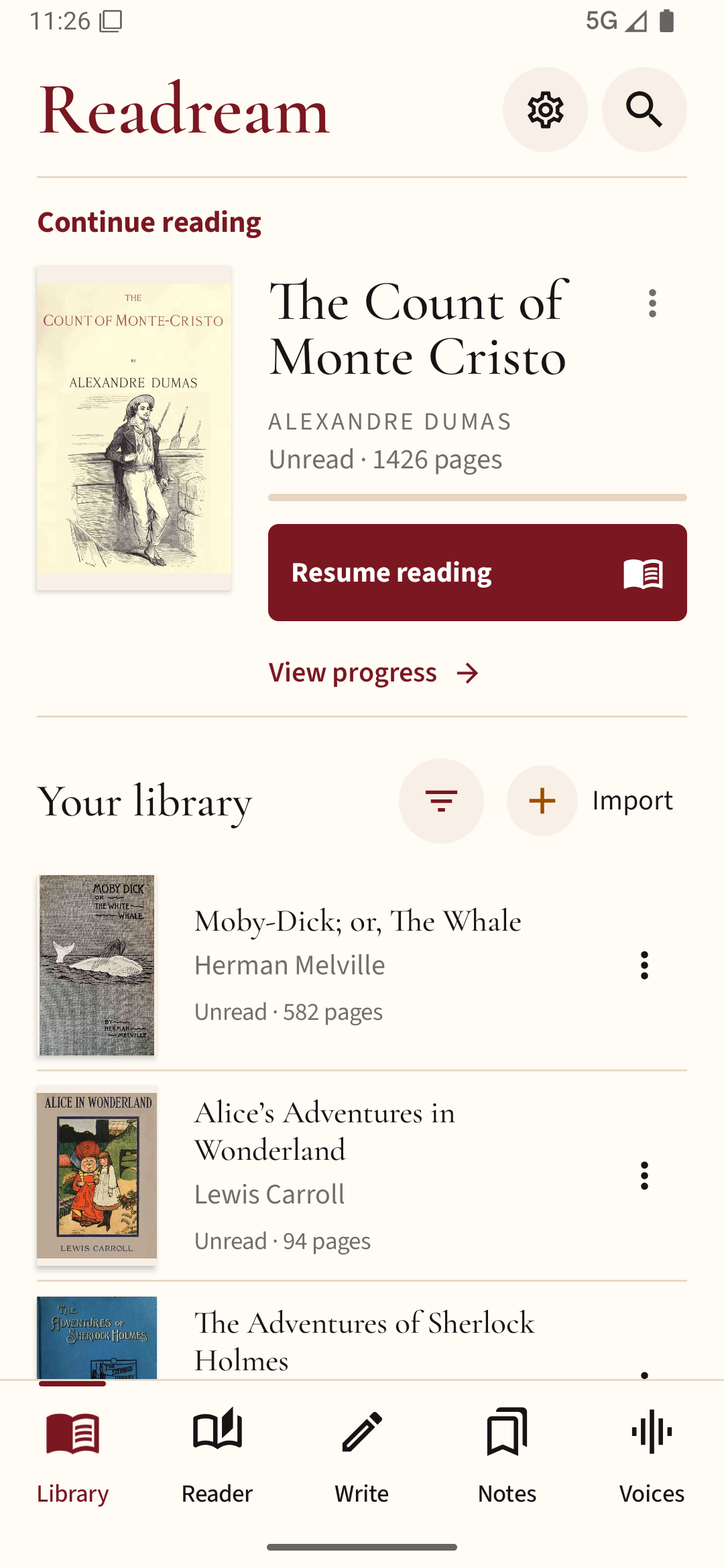
To compare your own devices, open the same EPUB or PDF in Readream Basic on each Android screen. Judge the page at the size you actually read, rather than comparing screen specifications alone.