
The difference is the page
An EPUB novel usually adapts its text to your screen. Raise the font size and the lines wrap again, which is helpful on a narrow phone. A PDF describes a fixed page. Zooming into a PDF usually moves the viewport rather than rearranging paragraphs, although some reader apps can reflow selected PDFs.
Choose EPUB for long-form text
For fiction, essays and most text-first nonfiction, a well-made reflowable EPUB is easier to read for hours. Readers can often change margins, line spacing and typography without losing the words at the edge of the display. Page counts change with these settings, so chapter or location progress is more reliable than a printed page number.
Choose PDF when placement matters
Research papers, textbooks with diagrams, forms, manuals and documents that need exact page references often work better as PDF. Figures stay where the author placed them, tables retain their columns, and page numbers can match citations. On a phone you may need landscape mode, a tablet or a crop-margins setting.
The conversion trap
Converting a scan-heavy PDF to EPUB does not automatically create clean text. OCR mistakes, broken headings and missing captions can follow it into the new file. Likewise, printing an EPUB to PDF can produce awkward page breaks. Keep both versions if someone has provided them, and test a chapter with a table or footnote before converting the whole book.
A practical decision
Ask whether you need adjustable words or faithful pages. For a novel, start with EPUB; for a chart-heavy workbook, start with PDF. If accessibility or read-aloud matters, verify that the actual file contains selectable text, regardless of its extension.
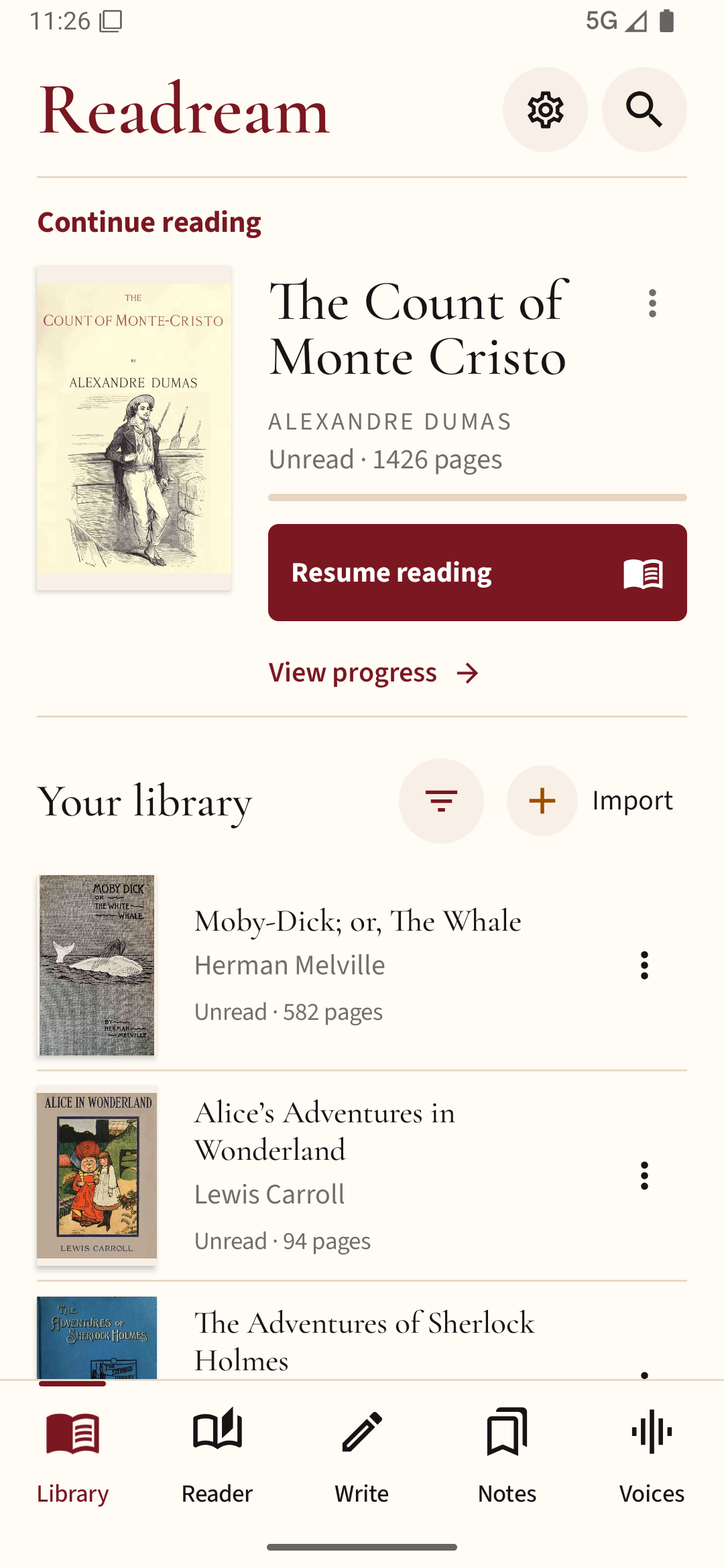
You can compare both formats in Readream Basic: open the same book as an EPUB and a PDF, then check which is easier to read at your preferred text size.