
Choose a simple folder structure
Begin with broad groups that you will actually remember: Books, Study, Manuals and Comics. Within Books, a folder for an author or a genre may be enough. Too many nested folders make a phone library harder to maintain than a long unsorted list.
Name files so they sort predictably
A pattern such as Author - Title.ext works well for personal files. For a series, include 01, 02 and 03 to preserve order. Avoid relying solely on file metadata because PDFs and older ebook files sometimes arrive without useful titles or author fields.
Separate reading status from storage
The file's location does not need to change every time you start or finish it. If your reader offers collections, favorites or reading status, use those for temporary organization while keeping source files in stable folders. Moving files after import can break a reader's stored path.
Back up the material that matters
Keep books you are entitled to store in a second location, and export important notes where the app supports it. Copying EPUBs does not necessarily copy bookmarks or highlights, because those may live in the app's private database.
Review a small shelf first
Test with ten books before reorganizing hundreds. Can you find an author, resume a book and distinguish two editions of the same title? If not, change the naming system before expanding it. A library that remains understandable six months later is better than one that looks perfect for a day.
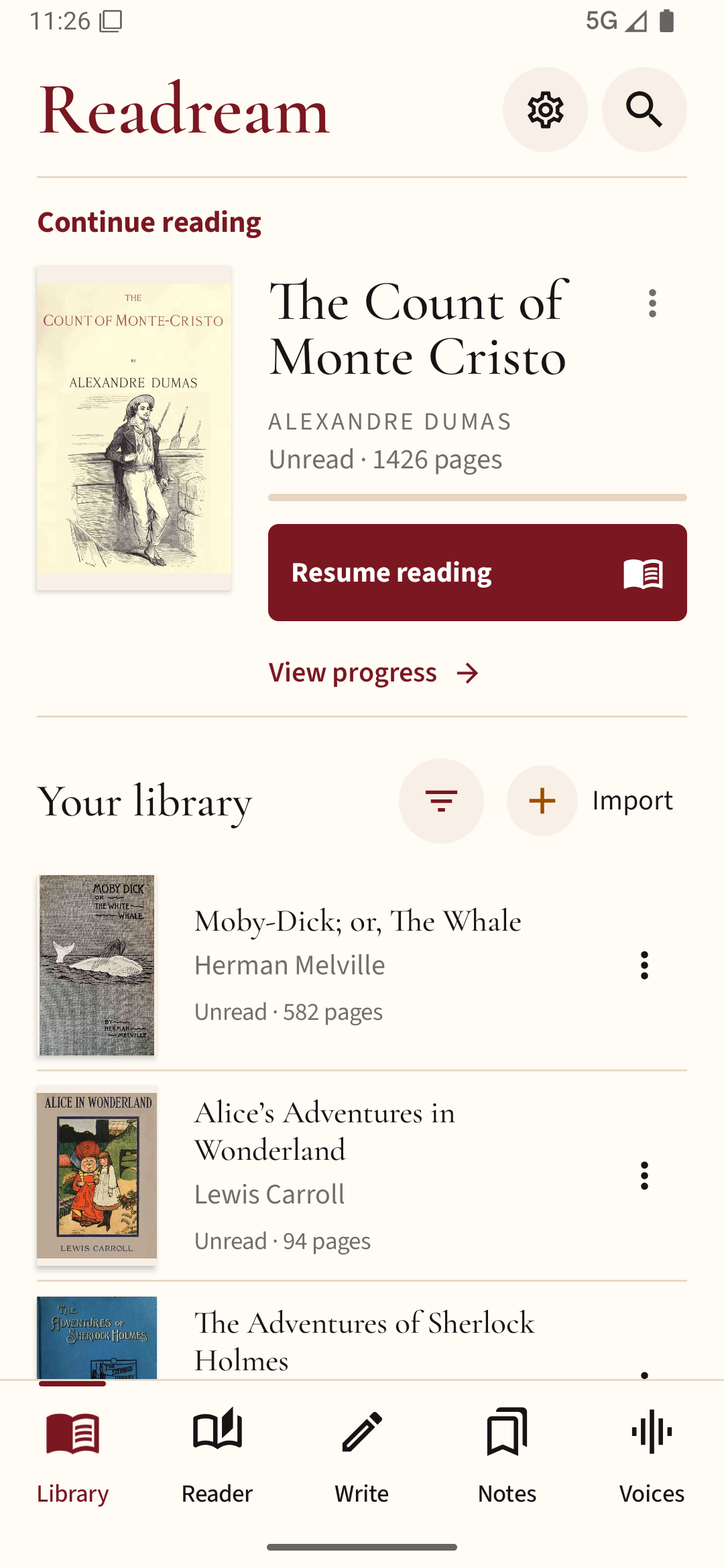
You can try this approach in Readream Basic by importing the books you are currently reading first. Give each one a recognizable title before adding the rest of your collection.