
Progress and bookmarks are different
Reading progress usually records where the app should reopen a book. A bookmark marks a location you deliberately want to revisit. If you finish a chapter without creating a bookmark, your last-read position might still move; conversely, a bookmark can stay on an earlier passage.
EPUB page numbers can change
Changing text size in a reflowable ebook shifts word positions. A reader may track a text location or percentage instead of the number printed at the bottom of the screen. When comparing a quotation with someone else's copy, chapter names and quoted words can be more reliable than virtual page counts.
Highlights need context
A highlight without a note may be hard to understand a month later. Add a short explanation: what question the passage answers, why you saved it, or what action it suggests. For studying, export highlights if the reader supports it, then review them outside the book.
Sync is not always automatic
Different devices may store separate reading positions unless the reader has a sync feature and it is enabled. Even then, importing two copies of the same ebook under different filenames may create separate entries. Test with a harmless sample before depending on cross-device syncing.
Before switching apps
Check export features for bookmarks and notes, not only books. Keeping an EPUB file is not the same as keeping the marks you made inside it. Make a small backup and verify the exported file can be opened.
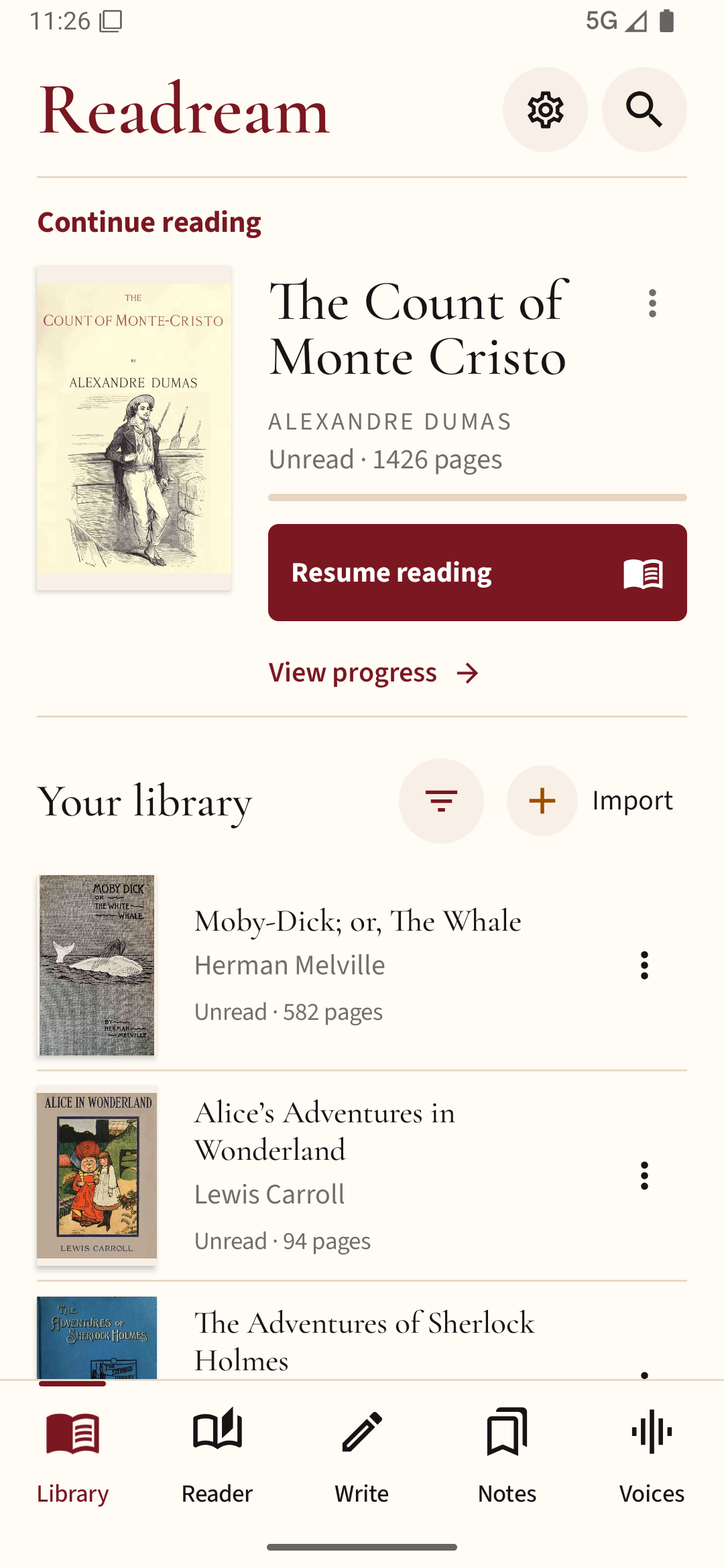
Try keeping your current book in Readream Basic, then close and reopen it to check your saved place. Add a bookmark wherever you want a deliberate return point.