
EPUB is the flexible general-purpose choice
EPUB is widely supported by third-party reading apps. It usually reflows text around the screen and allows font and spacing changes, making it a strong option for novels or ordinary nonfiction.
MOBI and AZW3 came from the Kindle ecosystem
MOBI is an older ebook format. AZW3, sometimes called Kindle Format 8, supports richer layouts than classic MOBI but is still associated with Kindle tools and reading software. Support varies across Android reader apps, so check the actual format list before importing.
DRM changes what you can open
A file ending in .azw or .epub may be protected. File extensions say little about usage rights. A purchased title that is tied to a Kindle account or another bookstore's DRM may need the seller's app and cannot simply be moved into a general reader.
Conversion is for files you have permission to convert
For DRM-free documents you own or are licensed to modify, desktop tools such as Calibre can organize or convert formats. Preview headings, cover art, footnotes and tables after conversion; the output can lose styling. Do not assume that renaming the extension converts the underlying document.
Choose based on your library
If you receive new books in EPUB, begin with an EPUB reader. If much of your collection comes from the Kindle store, start by checking Kindle's own app and export options. For old public-domain MOBI files, test a sample in a reader that explicitly names MOBI support before converting hundreds of books.
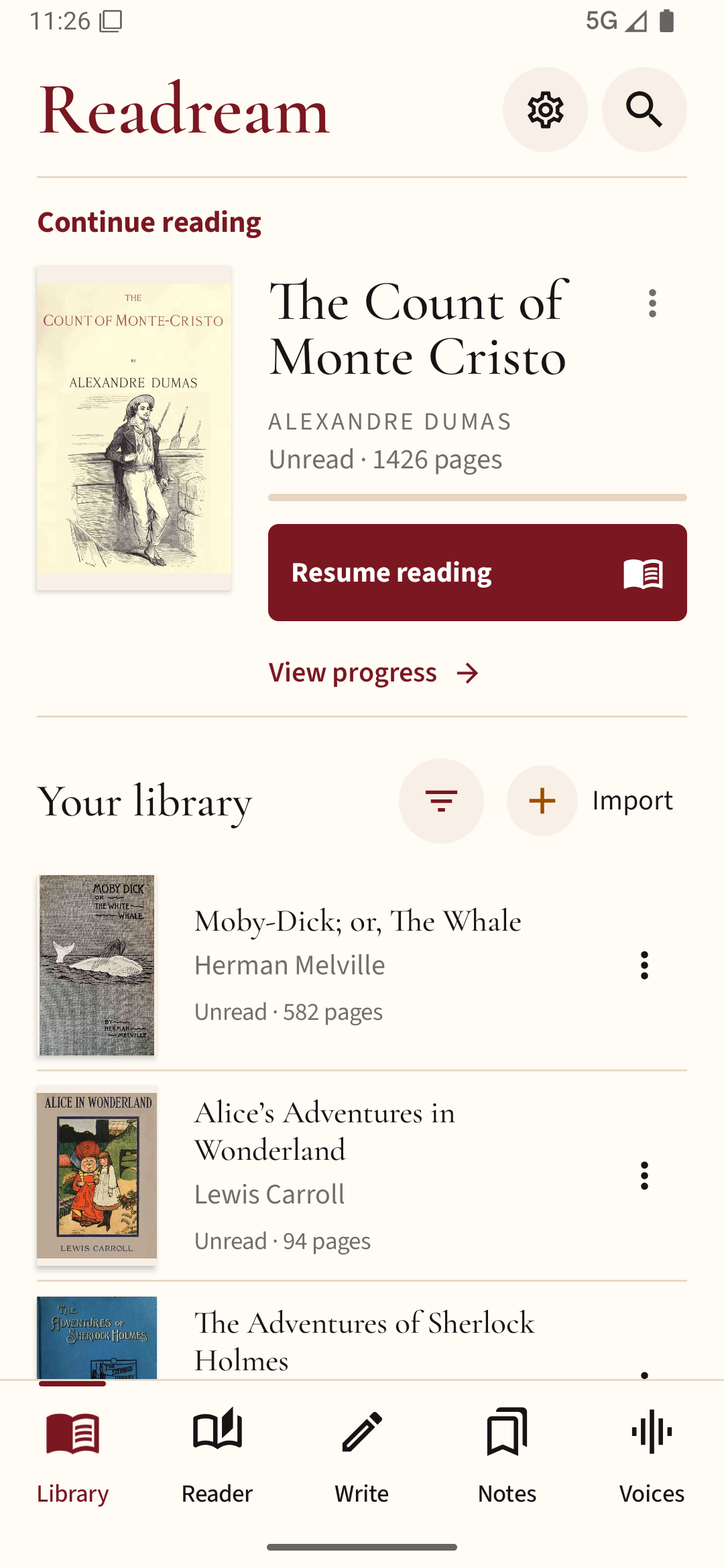
If an older ebook will not open in your chosen reader, convert an unprotected copy to EPUB and test it in Readream Basic. Keep the original, especially if the converted layout changes.