
Download more than the book
An EPUB stored on your phone can be opened offline, but the speech voice may still need internet access. Some TTS engines include local voices while others download voice data on first use. Before leaving Wi-Fi, open Android text-to-speech settings and check that your chosen language is installed.
Test in airplane mode
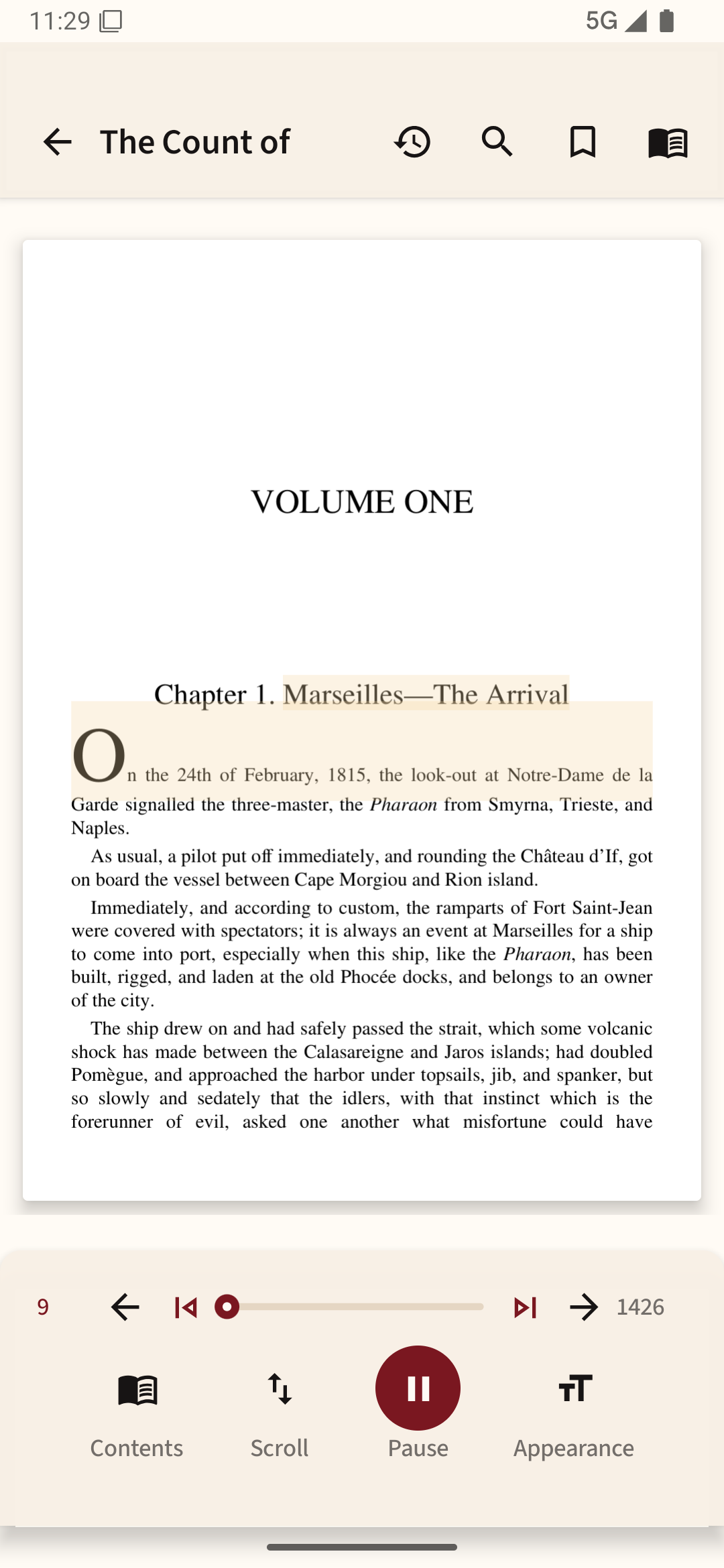
Open your reading app with airplane mode on and start playback. Lock the phone and check whether the audio continues. Screen-off narration, headset controls and notification playback depend on the app and its settings, so testing on your actual device is better than relying on a feature list.
Choose a suitable passage
A novel or prose article is generally easier to follow by ear than a PDF full of equations. For research papers, the voice may read headers, footnotes and columns in an unexpected sequence. Save dense material for a time you can see the page.
Keep your place
Pause at a natural break, such as the end of a section. After the journey, reopen the file to confirm that its saved position matches what you heard. A book's reading progress and a TTS queue do not always update in the same way.
Stay safe in transit
Use only audio controls that don't require looking at the screen while driving. Keep listening volume low enough to notice announcements, alarms and traffic around you.
For a short trip with the app open, you can use Readream Basic with a downloaded book and an offline voice installed on your phone. Test playback in airplane mode first; screen-off and background listening require Pro.