
Start with a clean text file
Use an EPUB or a searchable PDF, open a chapter and select the read-aloud control in a reader that supports narration. Check the first paragraph against what you see on the page. If the voice skips sentences or reads a table in the wrong order, the file's structure may be causing problems.
Make the highlight easy to follow
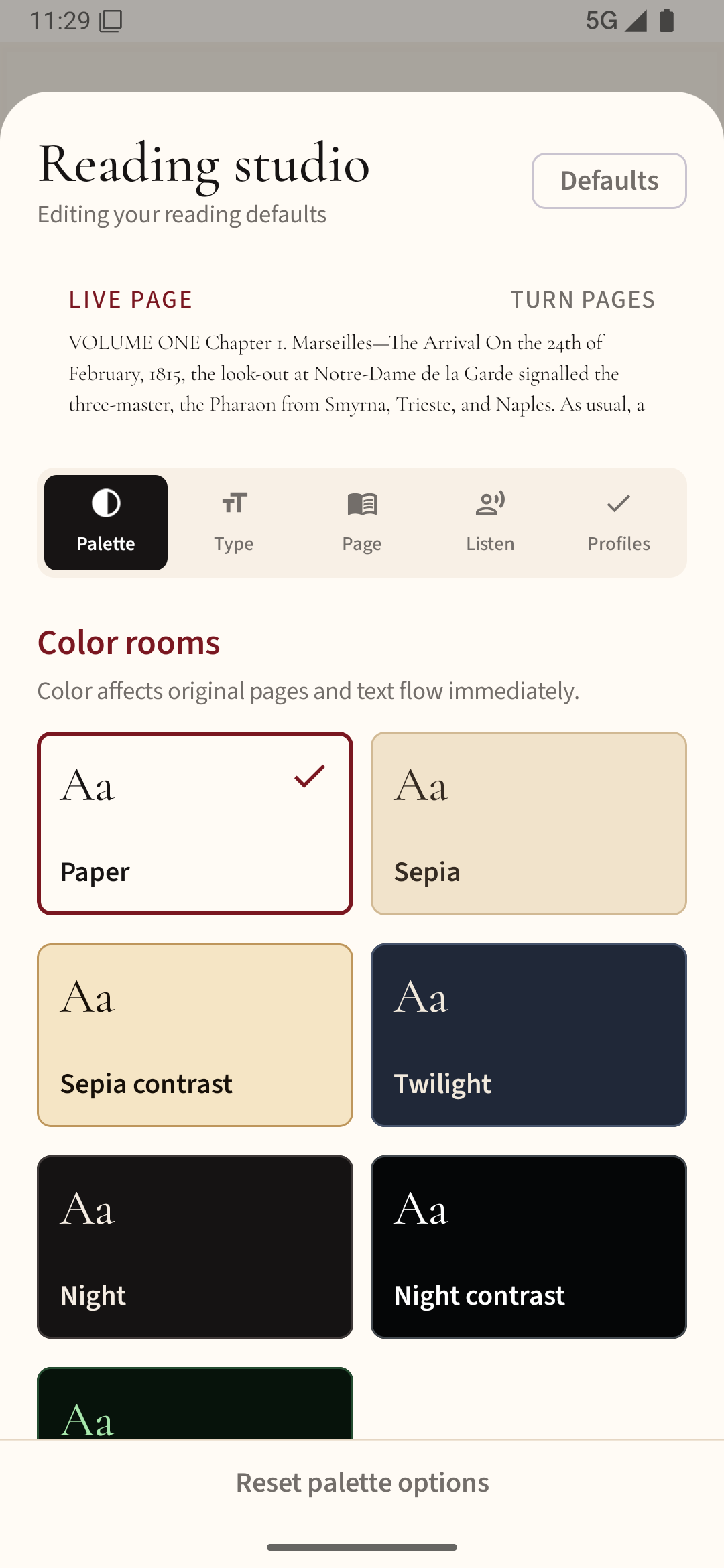
Word or sentence highlighting can help you stay oriented, but only if it is clear without hiding the letters. Pick a calm page background and text size first. During playback, watch whether the highlight follows the spoken passage across a page turn.
Set the pace for understanding
Start near normal speech speed. Increase the rate only after you understand the material without rereading each line. Dense study texts, unfamiliar names and equations often need a slower pace than fiction.
Test interruptions
Pause for a notification, answer a call if practical, then resume. Some apps restart the current paragraph; others resume from an earlier position. Check headphone controls and screen-off behavior separately because those depend on app and Android settings.
When hearing and reading disagree
Use the printed text for exact quotation and spelling. TTS can mispronounce names or abbreviations. For study, stop and inspect any sentence that sounds strange rather than assuming the voice has read every symbol correctly.
Try a short passage in Readream Basic with a voice installed on your phone, following the text as it reads. Basic needs to stay open in the foreground during playback.