
Check what makes the file large
File size alone does not explain performance. A long plain-text EPUB may open faster than a short PDF filled with high-resolution page scans. Check the file's size in Android Files and notice whether delays happen only on pages with large images or tables.
Test the app with a second document
Open a known-good short book in the same reader. If it is smooth, the large file is likely the bottleneck. If every file lags, consider available phone storage, background apps and whether the reader is still building an index or thumbnail cache.
Avoid changing the original
Copy the source before any compression or conversion. Downsampling a scanned textbook may make small formulas illegible. Splitting a very large PDF into chapters can make navigation easier, but it may also change page references and bookmarks; check a test copy first.
Check for download or storage errors
An incomplete download can produce blank pages, import failures or a damaged archive. Compare the file size with the original source if available. Move a copy into local Documents if the app struggles to open a file through a cloud provider that downloads pages on demand.
Choose a suitable device
A reader needs memory to decode large images. For detailed visual documents, a tablet or a computer may be more practical than forcing a narrow phone screen to render every page. Keep an unmodified backup if the document matters.
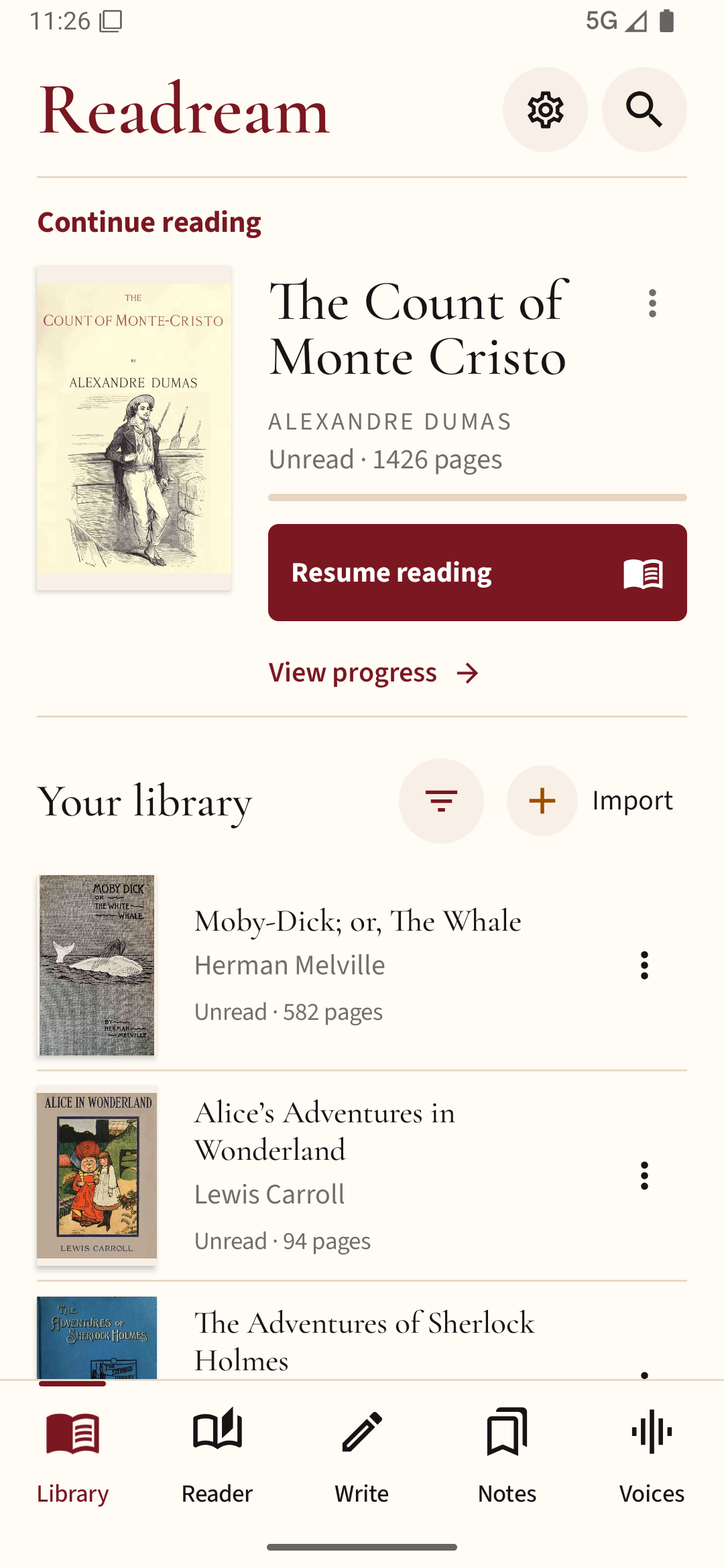
If you are comparing readers, try the same large document in Readream Basic and allow the first import to finish before judging page loading. Keep the original file while you test.