
File type matters more than page count
A long text-only EPUB may be smaller than a short illustrated ebook. High-resolution PDF scans and image-based comics can be much larger than either. Two 300-page PDFs can occupy very different amounts of space depending on images, compression and embedded fonts.
Check real file size on your device
In Files, select a document and open its details to see the size. Total the books you plan to keep offline instead of guessing by the number of titles. Leave free device storage for app updates, photos and Android's temporary work files.
Watch out for duplicates
You may have one copy in Downloads, another in Documents and another inside a reader's private library. Do not delete anything until you know which file the app opens. A reading app may also keep thumbnails or cached images that are not visible as ordinary books.
Move older material safely
Back up books you own to a computer or trusted storage service, check that the copy opens, and then remove unneeded local duplicates. Notes and progress may be stored separately from book files, so export them if the reader supports it.
Large file troubleshooting
If a huge PDF opens slowly, check device storage and RAM pressure before compressing the source. Compressing scanned pages may make small text harder to read. Test a copy of a few pages first and preserve the original as a reference.
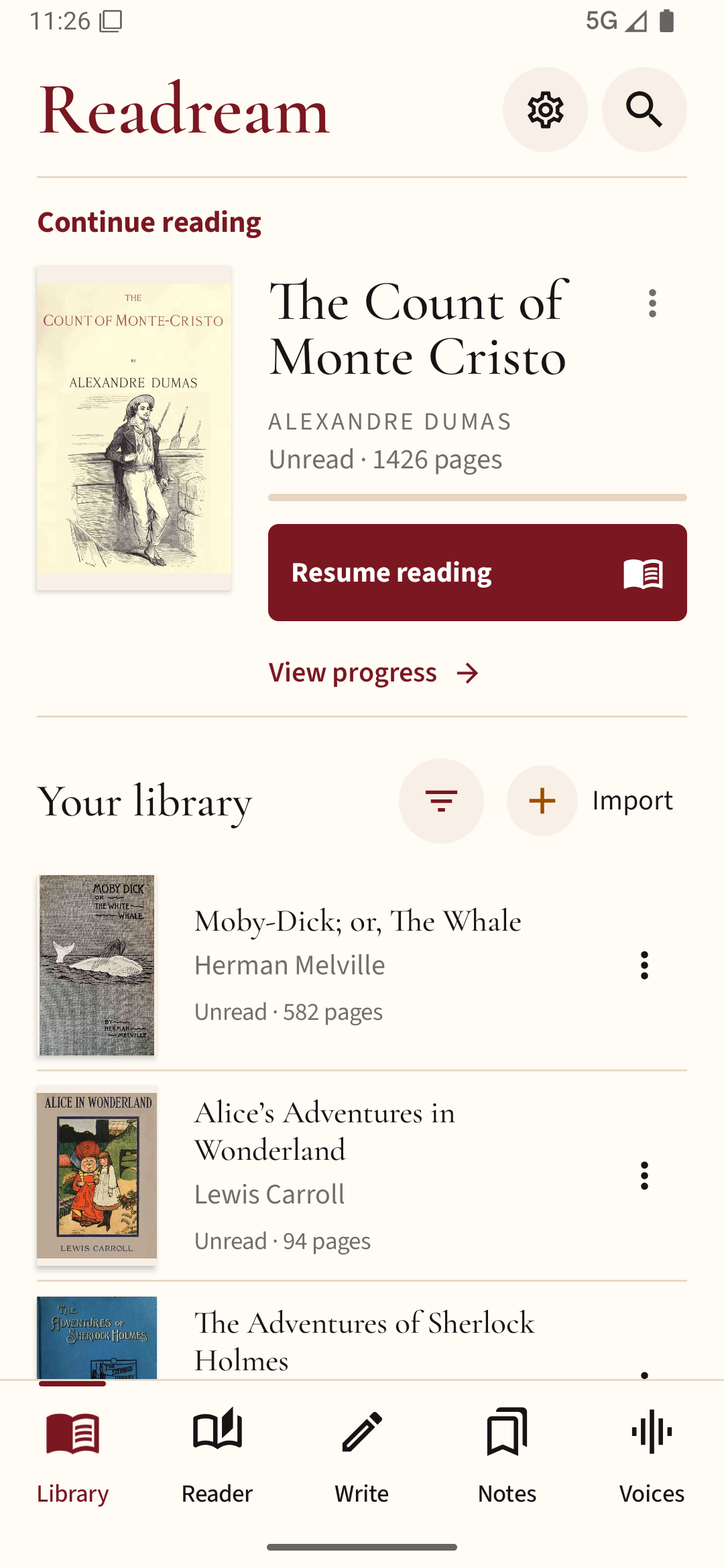
If you use Readream Basic for local books, check its library before deleting downloaded originals. Keep a separate backup of anything you cannot easily download again.