
Find a comfortable line length
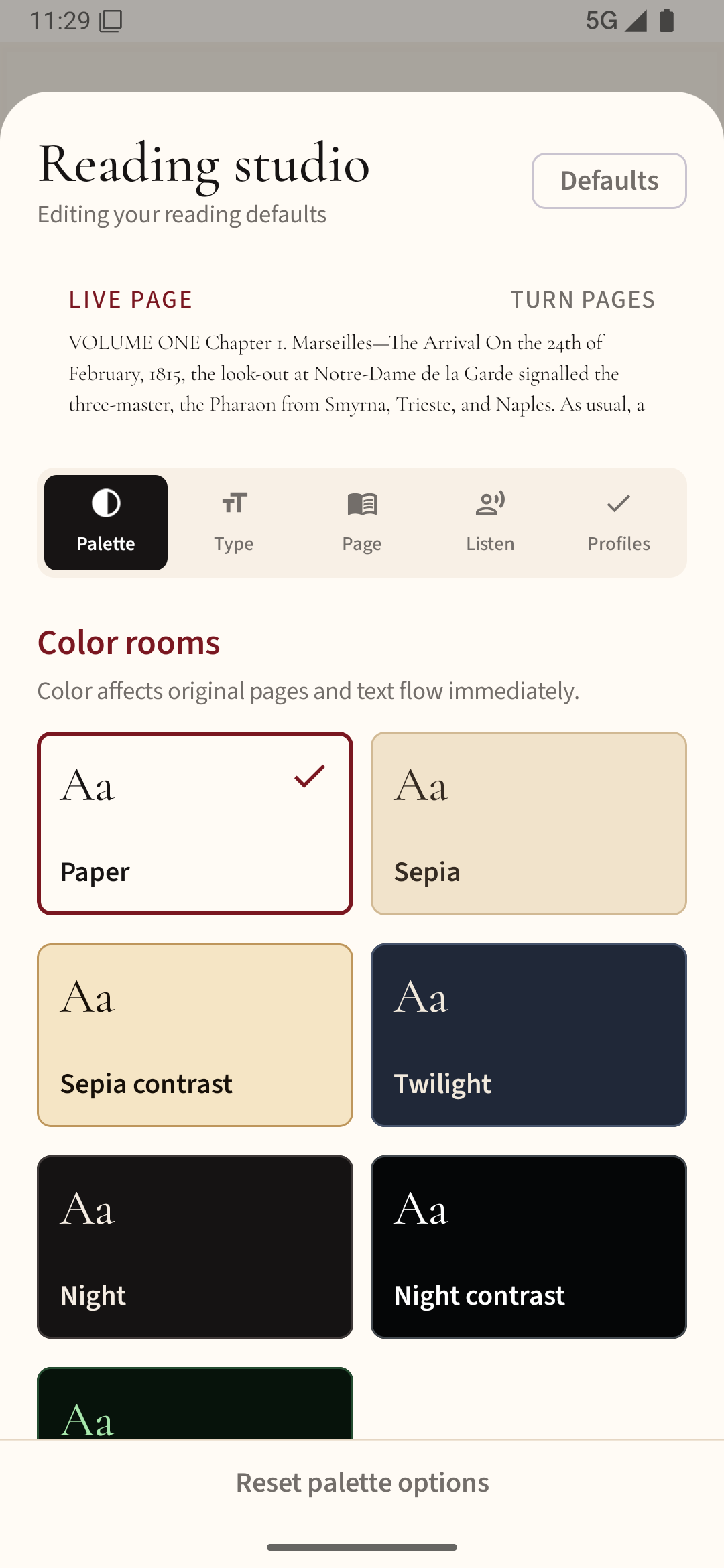
A phone is narrower than a paperback. That can be helpful because your eyes travel less between words, but text that is too large creates a line break every few words. Start with the app's default font size, then increase one step at a time until you can read a full paragraph without squinting.
Change one thing at a time
Line spacing affects how easily you move from the end of one line to the start of the next. Add a little space if the lines feel crowded; reduce it if paragraphs seem disconnected. Side margins keep words away from your thumbs and curved screen edges, but overly wide margins leave too little room for text.
Choose a legible typeface
A familiar sans-serif or book-style serif usually works better than a decorative font. Judge by the shapes of lowercase letters and whether you can distinguish l, I and 1. Boldness is sometimes more useful than a dramatic size increase when the text looks faint.
Test with a real chapter
Read two pages in daylight and again under your usual evening light. Check whether you constantly move the phone closer, lose your place at line endings or accidentally touch controls. Change only the setting responsible for the problem. EPUB usually reflows when you adjust text; a fixed PDF often needs cropping or zoom instead.
Open a reflowable EPUB in Readream Basic to try these changes on a real chapter. Adjust text size first, then line spacing, so you can tell which change helps.