
Begin with your file collection
Write down what you actually open: EPUB novels, PDFs, CBZ comics, research papers or a mixture. Some excellent EPUB apps are poor at dense scanned PDFs. A familiar-looking library screen does not prove the app supports the formats you use most.
Test five everyday actions
Import one local book, change the font size, search for a phrase, create a bookmark and close the app. Reopen it to see whether your place survived. For PDFs, repeat the test with a page containing a table or figure. These small checks reveal more than a long feature checklist.
Check offline and data use
Turn off internet access after installing the app and any speech voices it needs. Find out whether books stay on your device, whether an account is required and whether notes are uploaded. Review the actual privacy policy and permissions instead of relying only on promotional language.
Consider listening and accessibility
If spoken reading matters, try a whole chapter, not a ten-second preview. Confirm background playback, voice options and highlighting on your phone. If you use TalkBack or larger display settings, try navigating the import and contents screens with them.
Compare costs against features
A paid edition is useful only if its features solve a problem you have. Test the basic reading workflow first, then decide whether extra voices, writing tools or advanced controls justify upgrading.
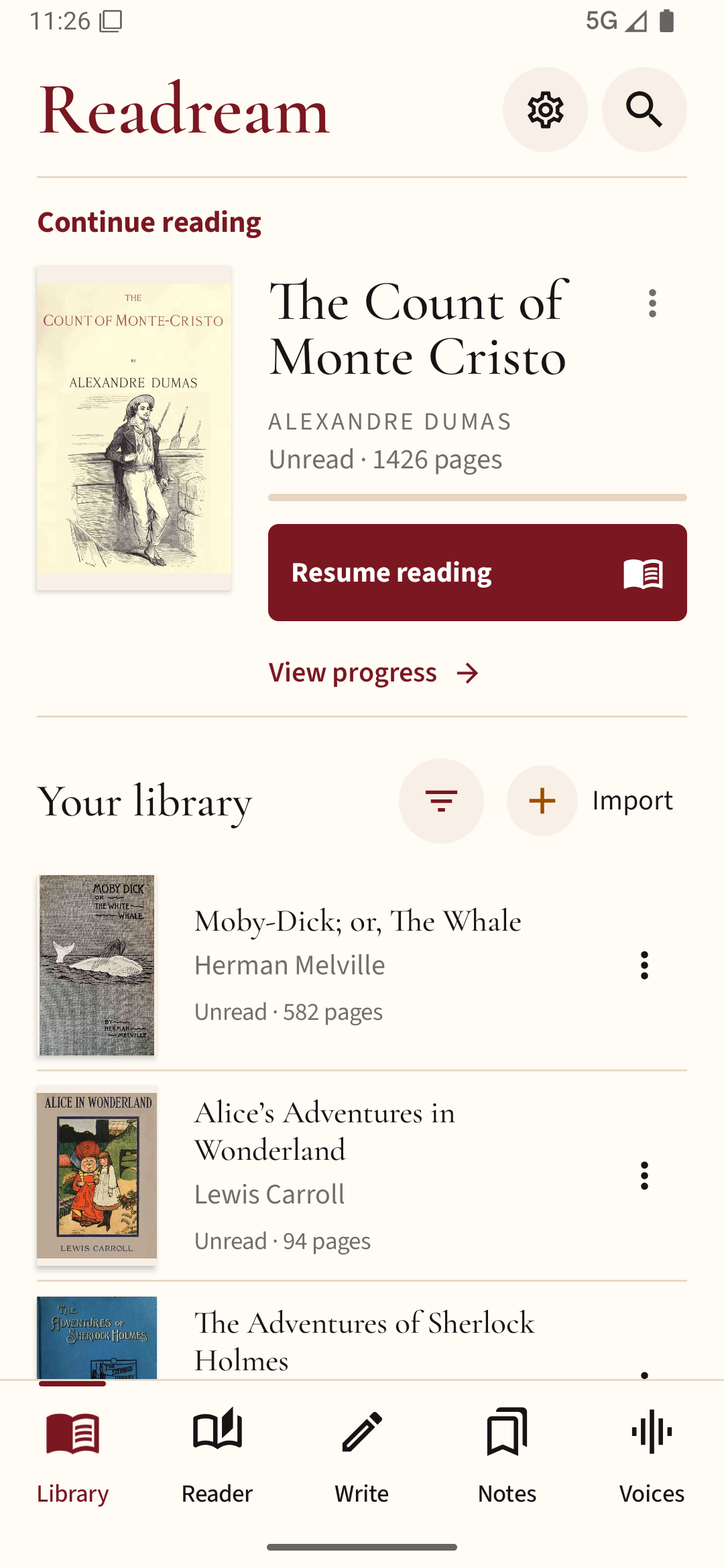
For a practical comparison, try a familiar PDF and EPUB in Readream Basic. Check the reading view and saved position with your own files before deciding which reader suits you.