
Start with the structure
A phone is enough to draft stories, essays or a short nonfiction book if you use a tool that saves reliably. Write a one-paragraph description of the project first. Then make a chapter outline with one sentence describing what changes or what the reader learns in each chapter.
Keep chapters manageable
One enormous document is awkward to navigate on a phone. If your writing app supports sections or chapters, divide the manuscript early. Give chapters names that are easy to search. For fiction, keep a separate note for character names and important details so you do not contradict yourself later.
Build a backup habit
A draft is not safe merely because it appears in an app's recent list. Confirm where the content is stored and whether you can export a standard file such as TXT, DOCX or another format you can open elsewhere. Save an extra copy before large edits. If you work offline, verify that your changes stay available when the phone reconnects.
Separate drafting from editing
Write your first version without repeatedly fixing punctuation. On a later pass, read one chapter aloud to hear missing words and sentences that run too long. On the final pass, view the manuscript on a second screen or export it to catch formatting problems you missed on the phone.
Before sharing
Check chapter headings, paragraph breaks, italics and image positions in the actual exported file. A manuscript that looks correct inside the editor may not render the same way in every receiving app.
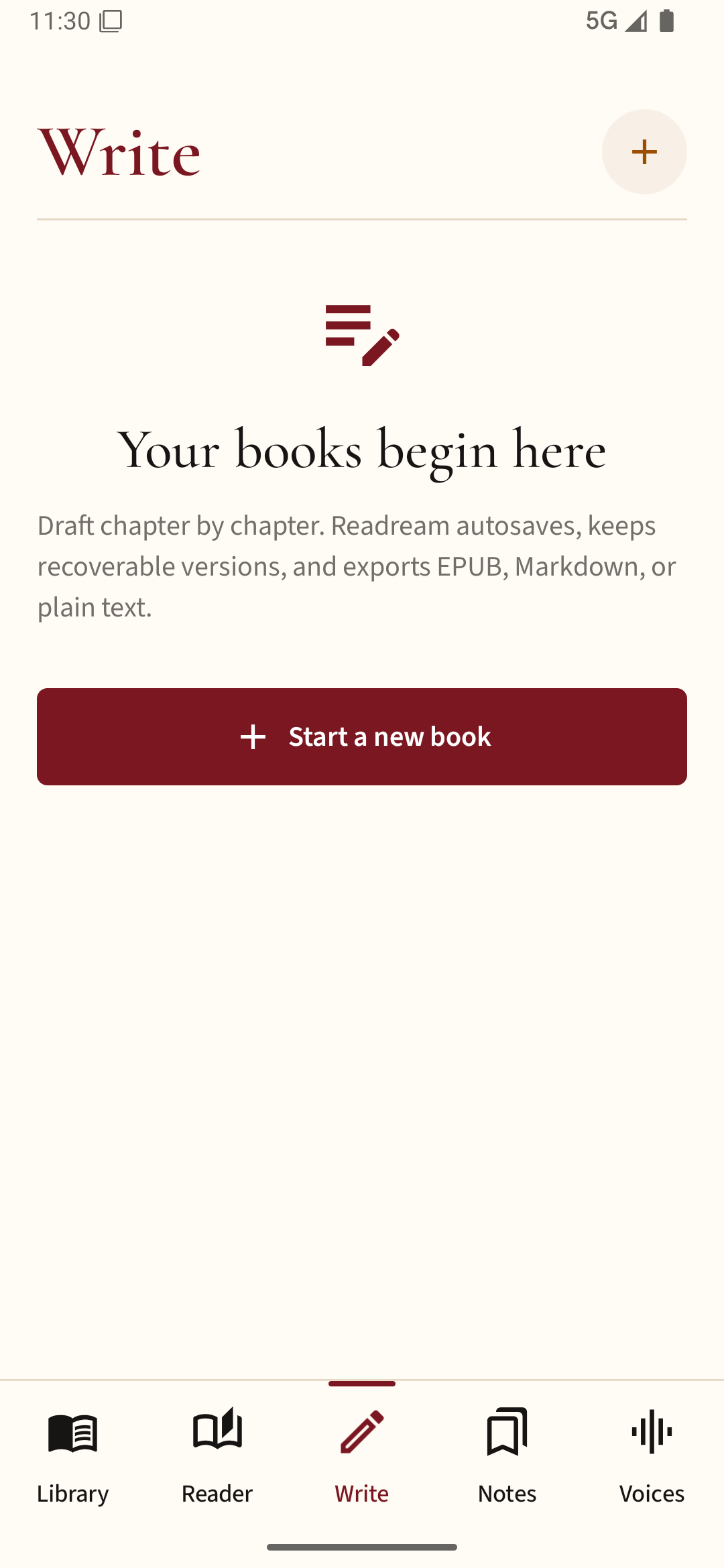
When you have a draft ready to read, export a DOCX or EPUB and open it in Readream Basic. Reading it in a separate app can make awkward spacing and paragraph breaks easier to spot. Basic is the reading edition; the built-in Writer belongs to Pro.